For tattoo studios and independent artists
Scattered DMs in.
Booked sessions out.
Clients talk through their idea with an AI on your page. Placement, size, budget, references — it all lands in your dashboard as one clean brief. At three in the morning, too.
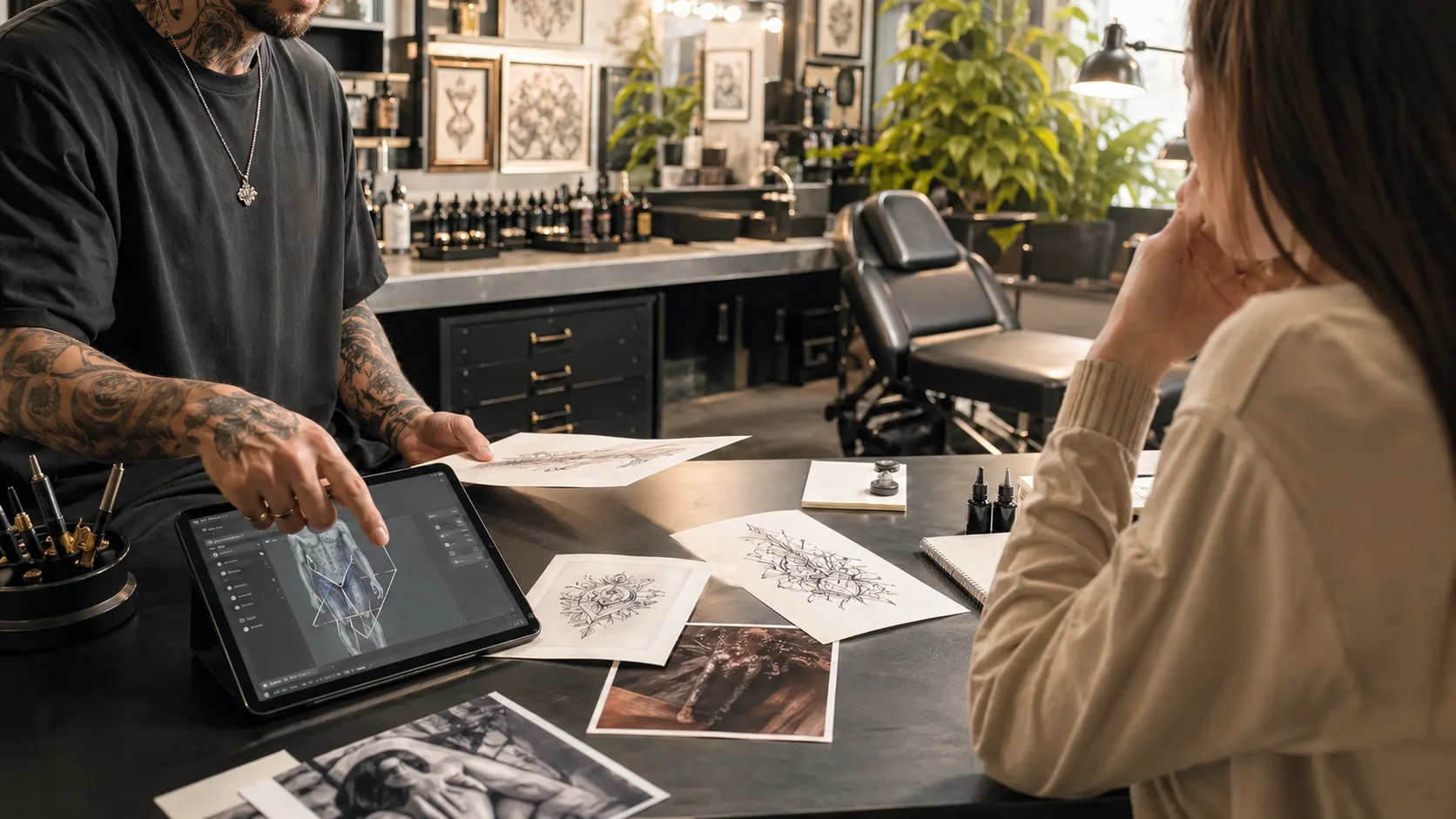
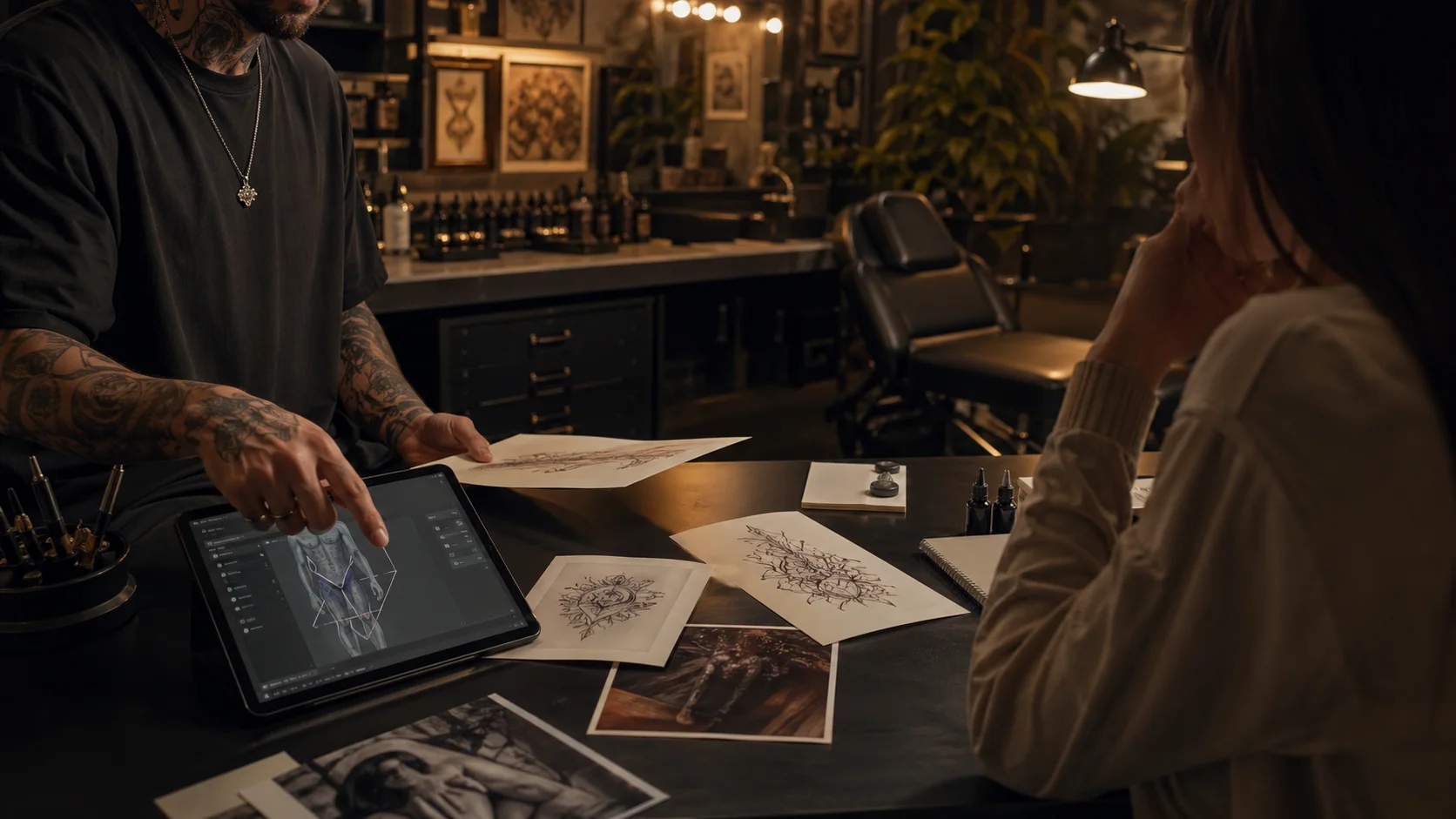
By the time you open it, the brief is ready.The OpenInk Studio desk
AI consultation intake
Projects and scheduling
A shareable artist page
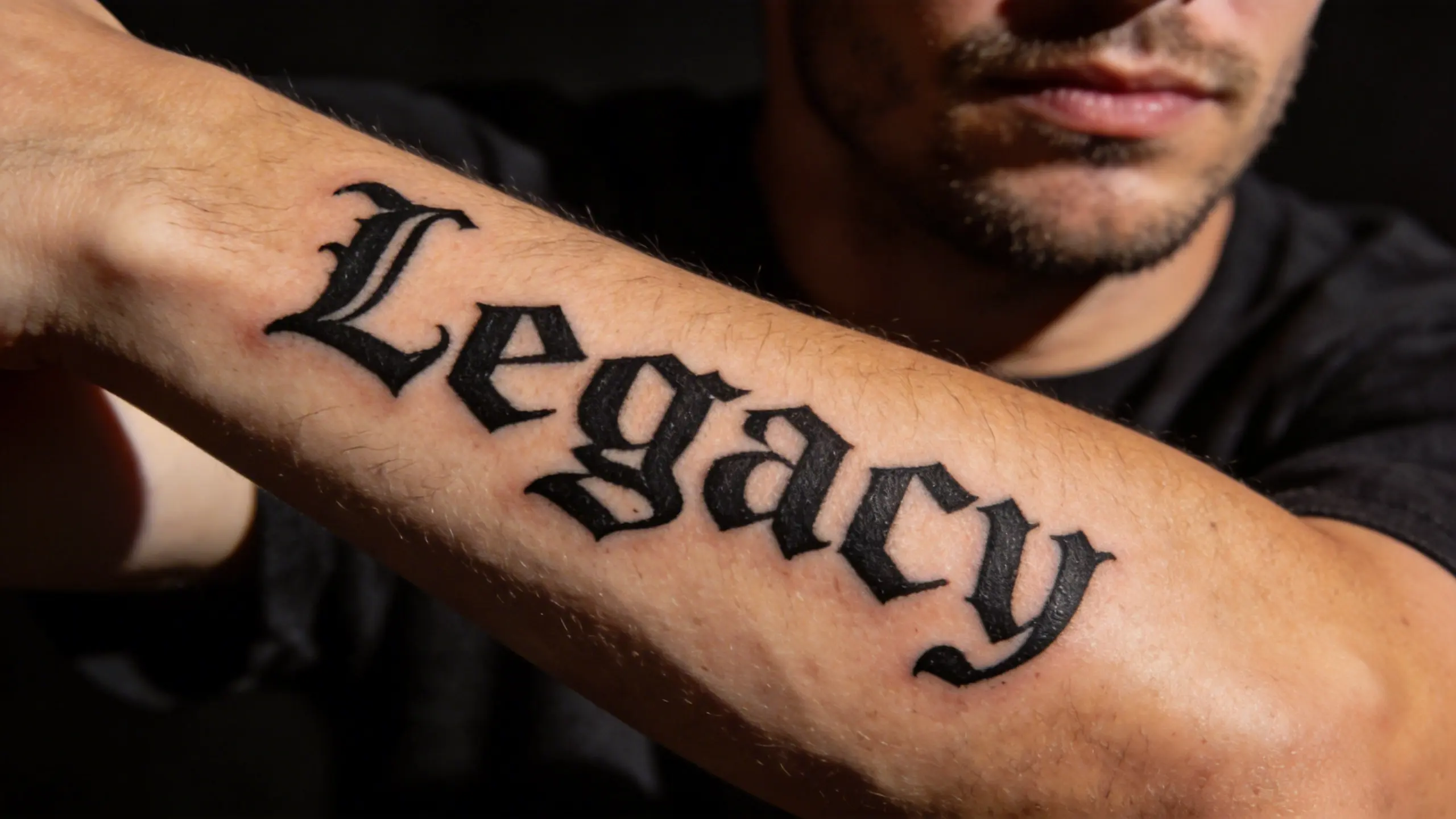
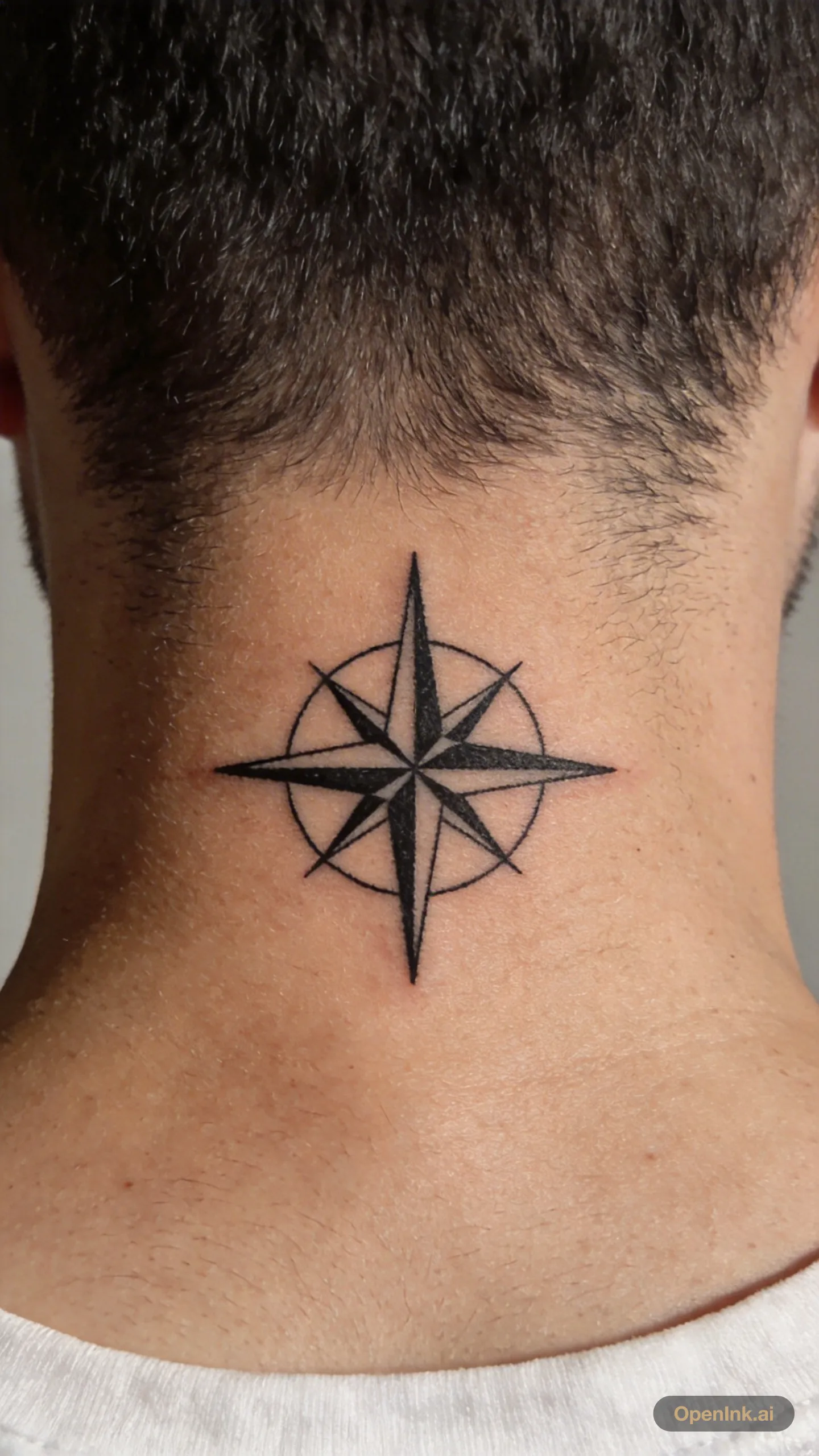
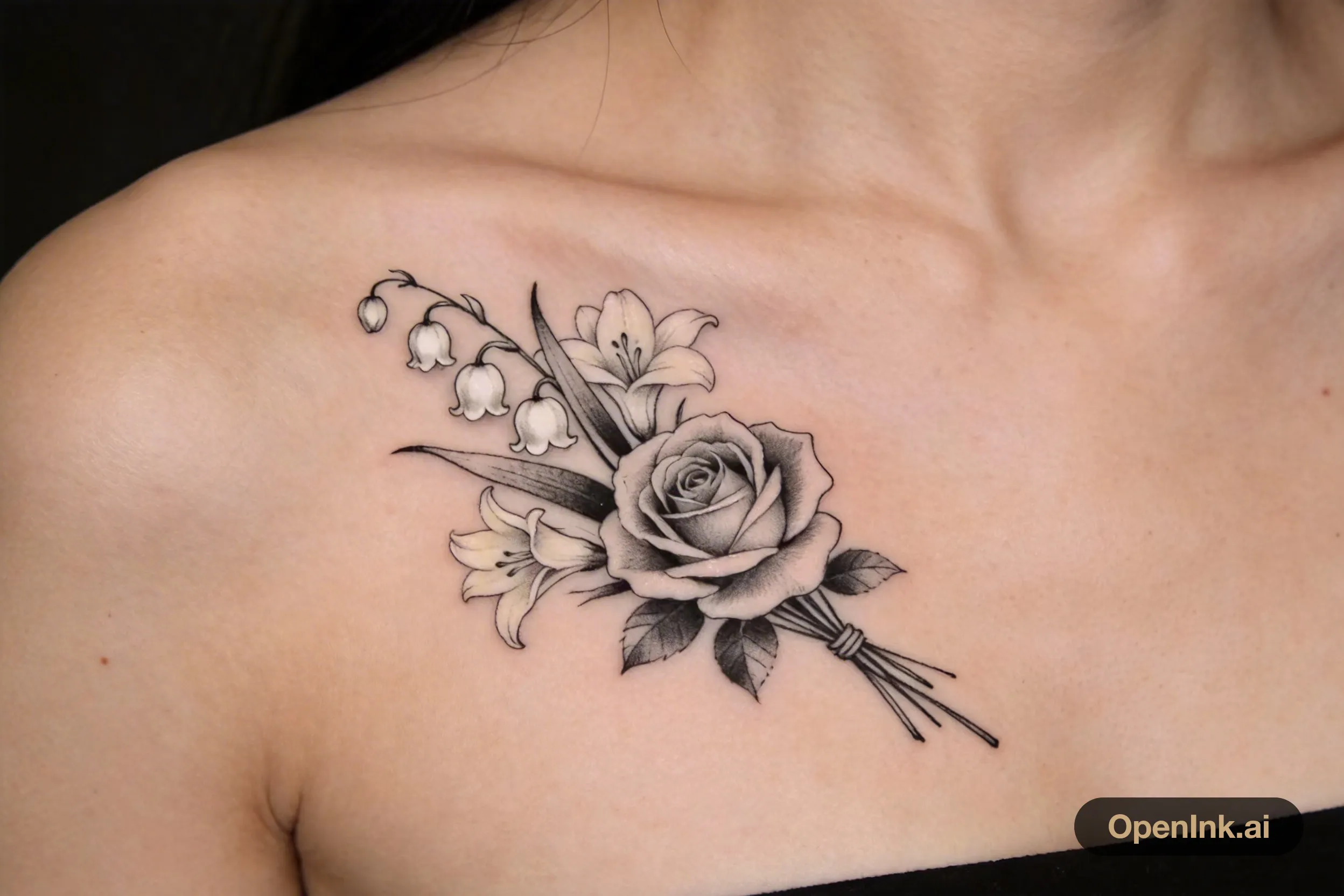
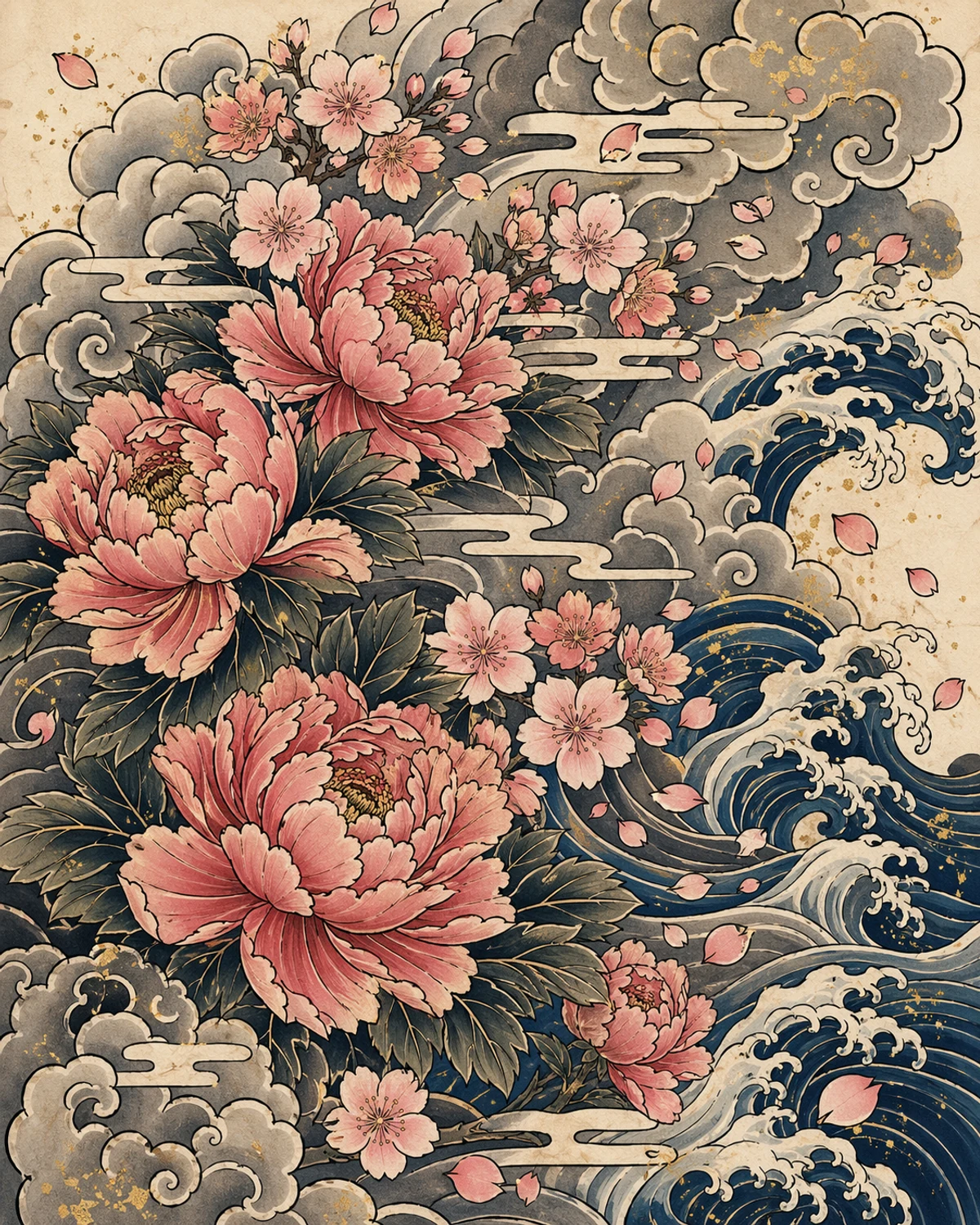
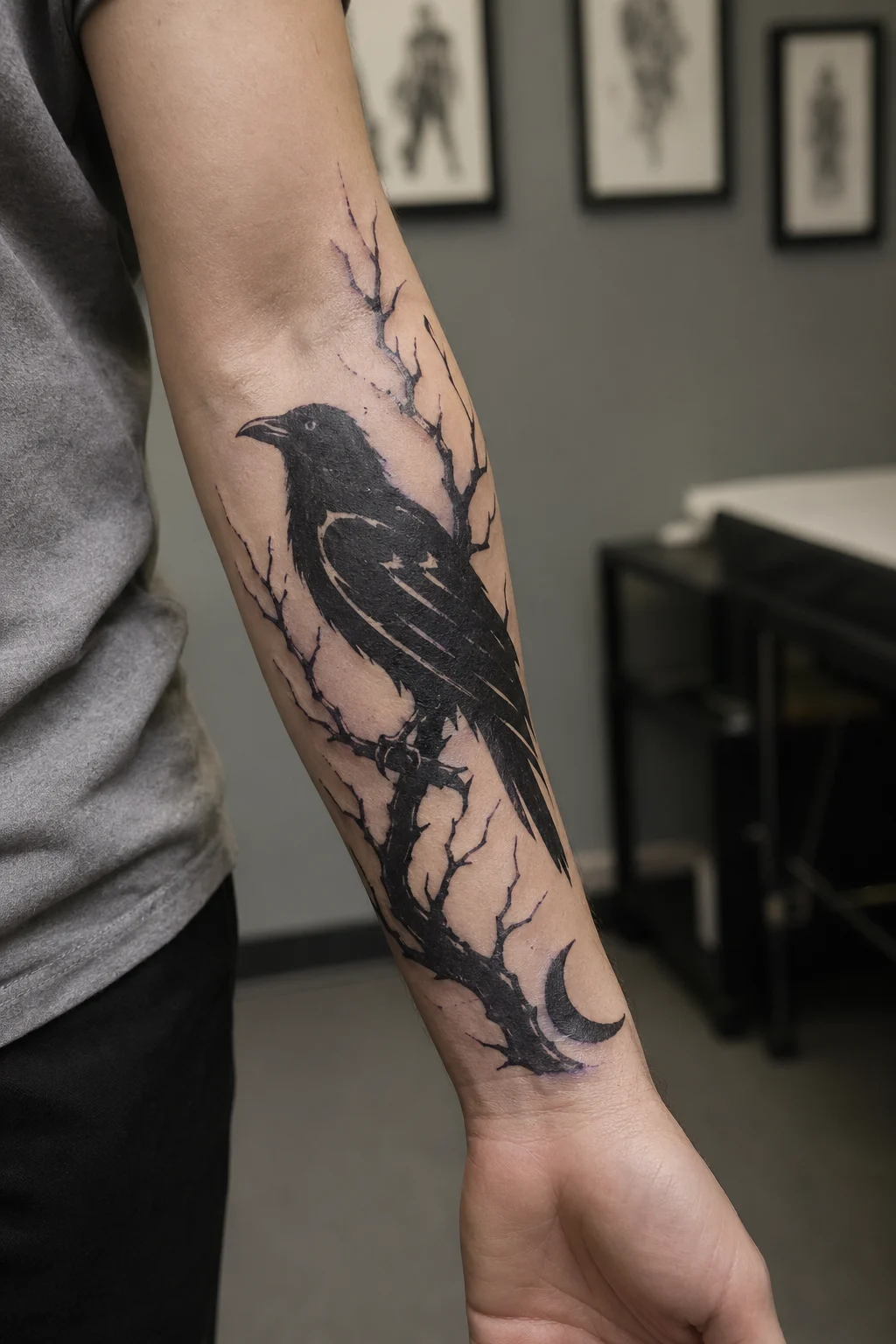
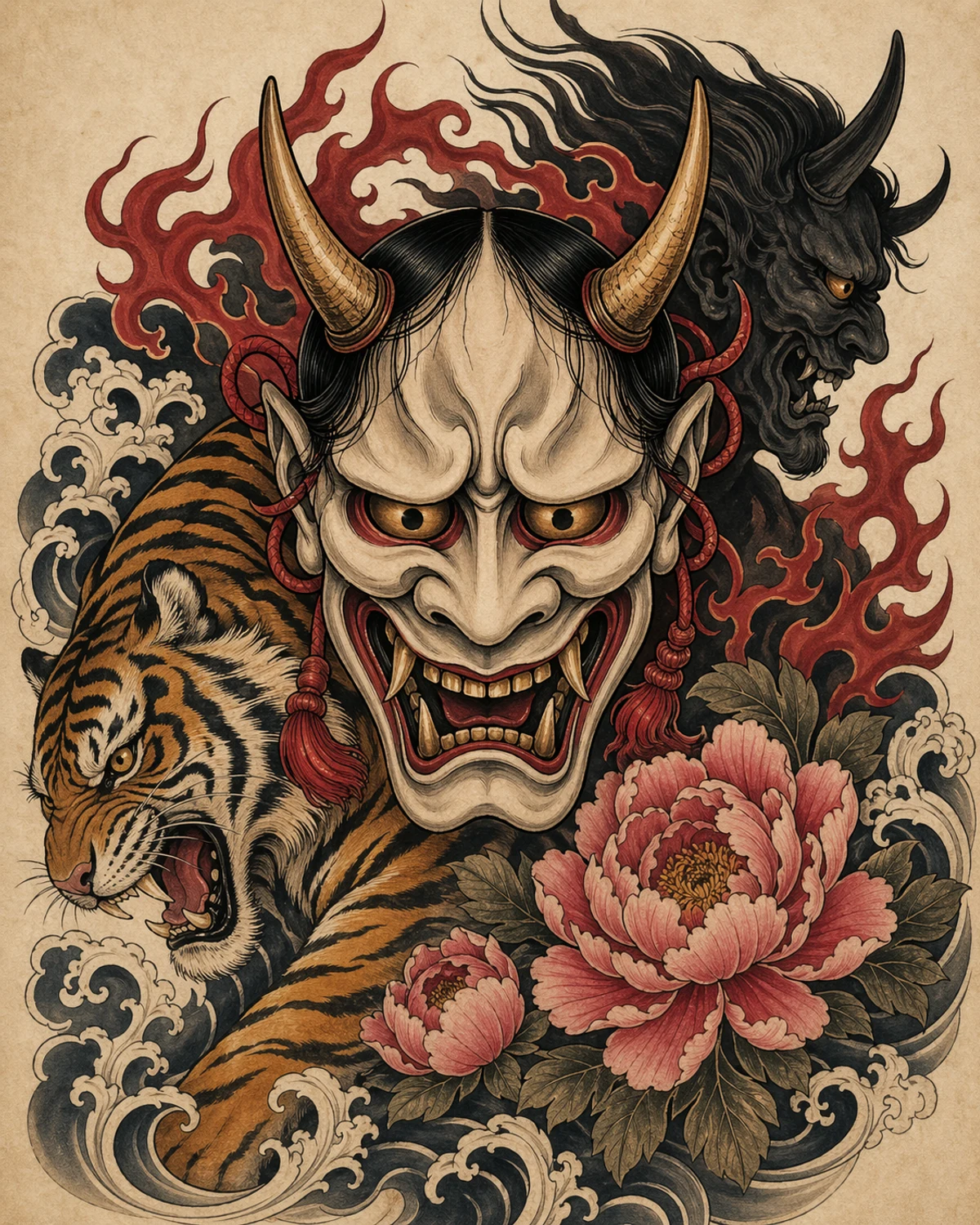
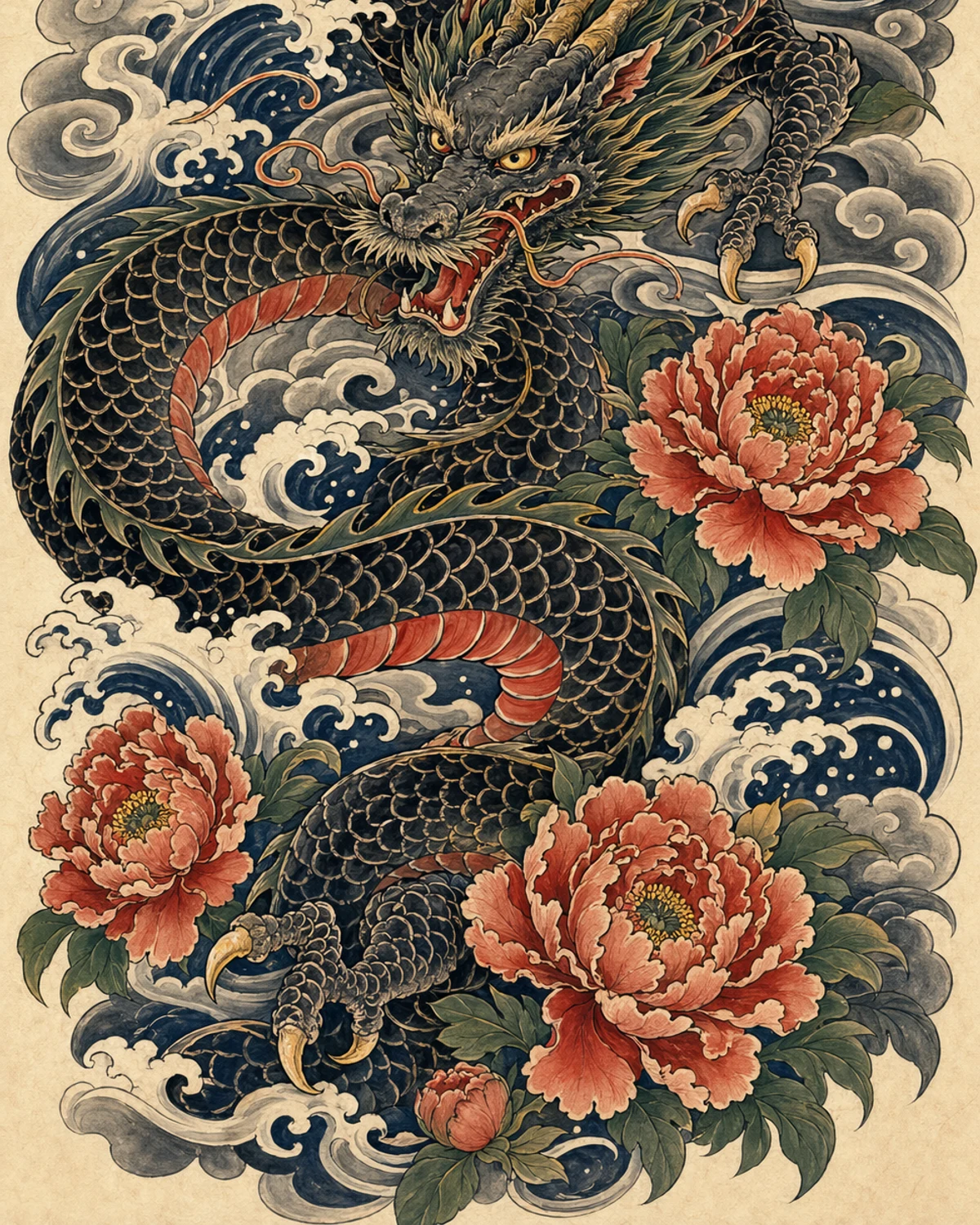
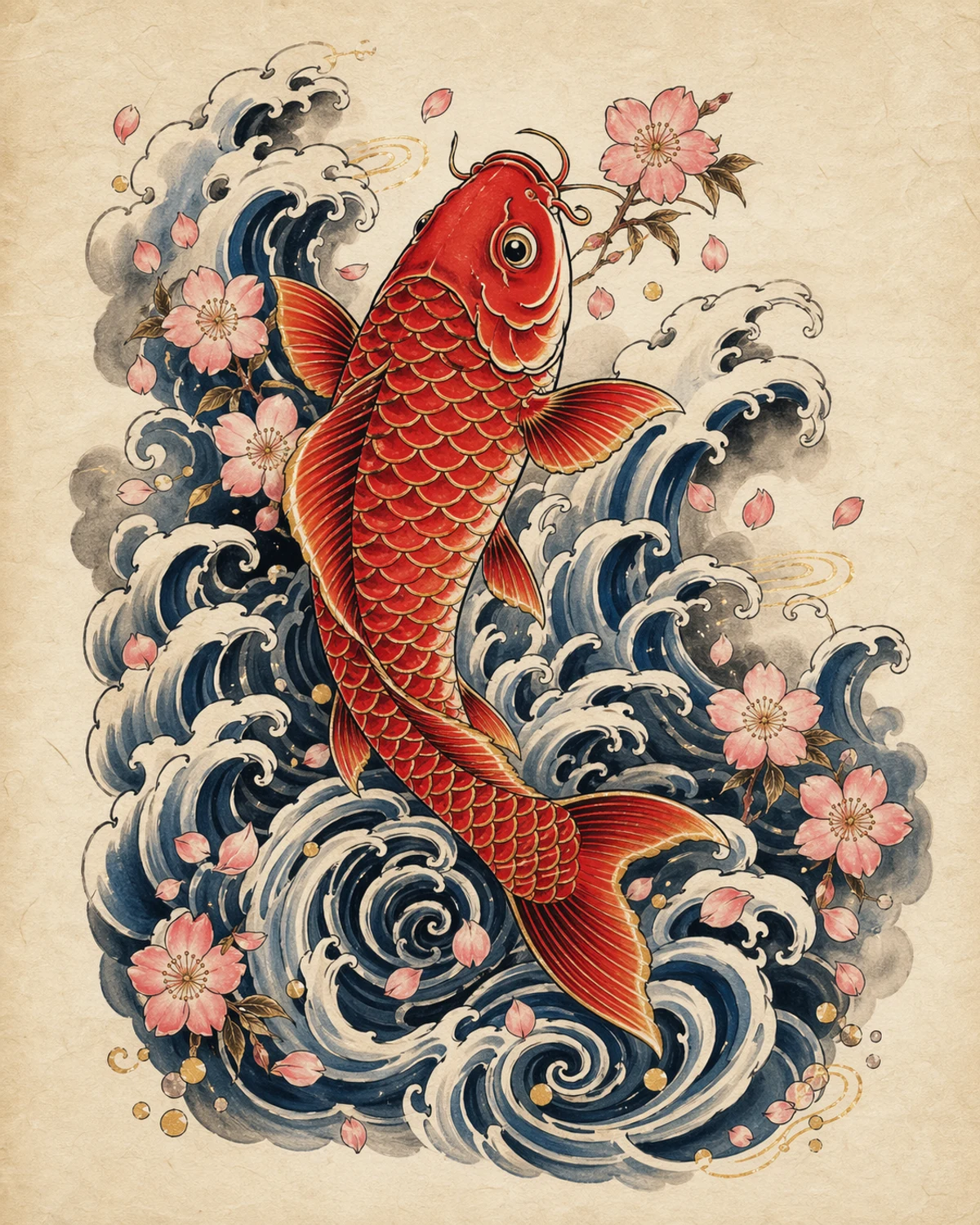
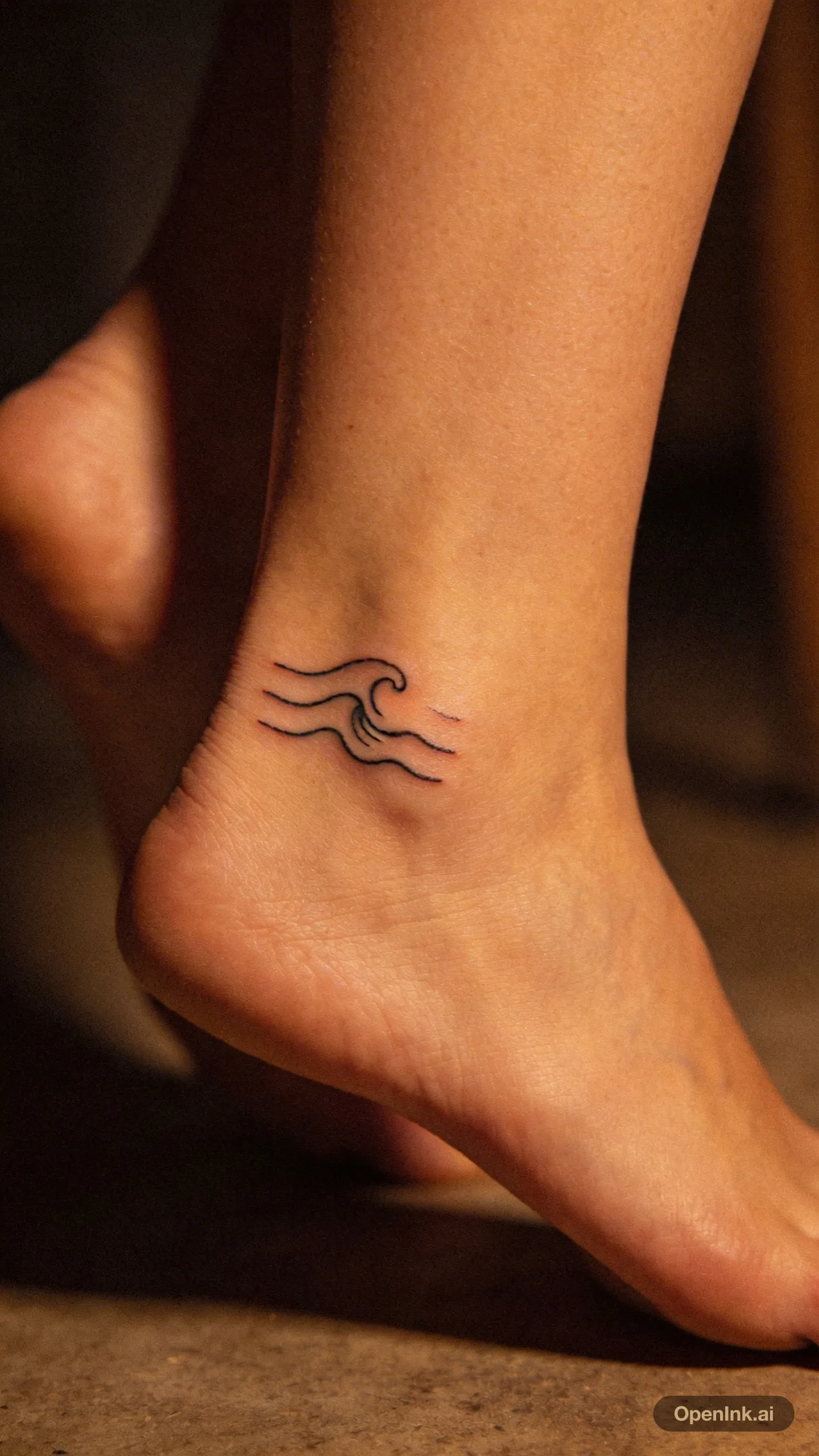
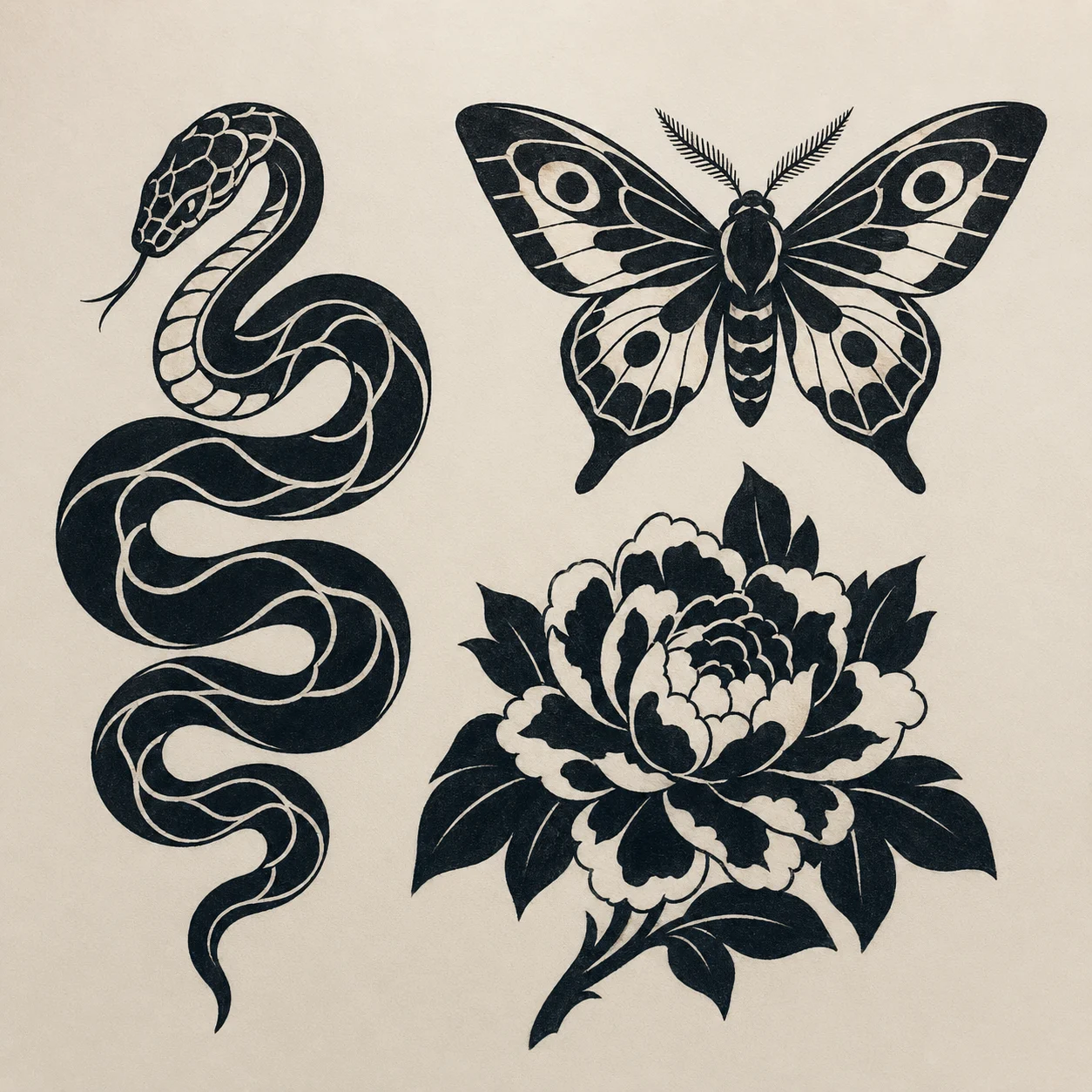
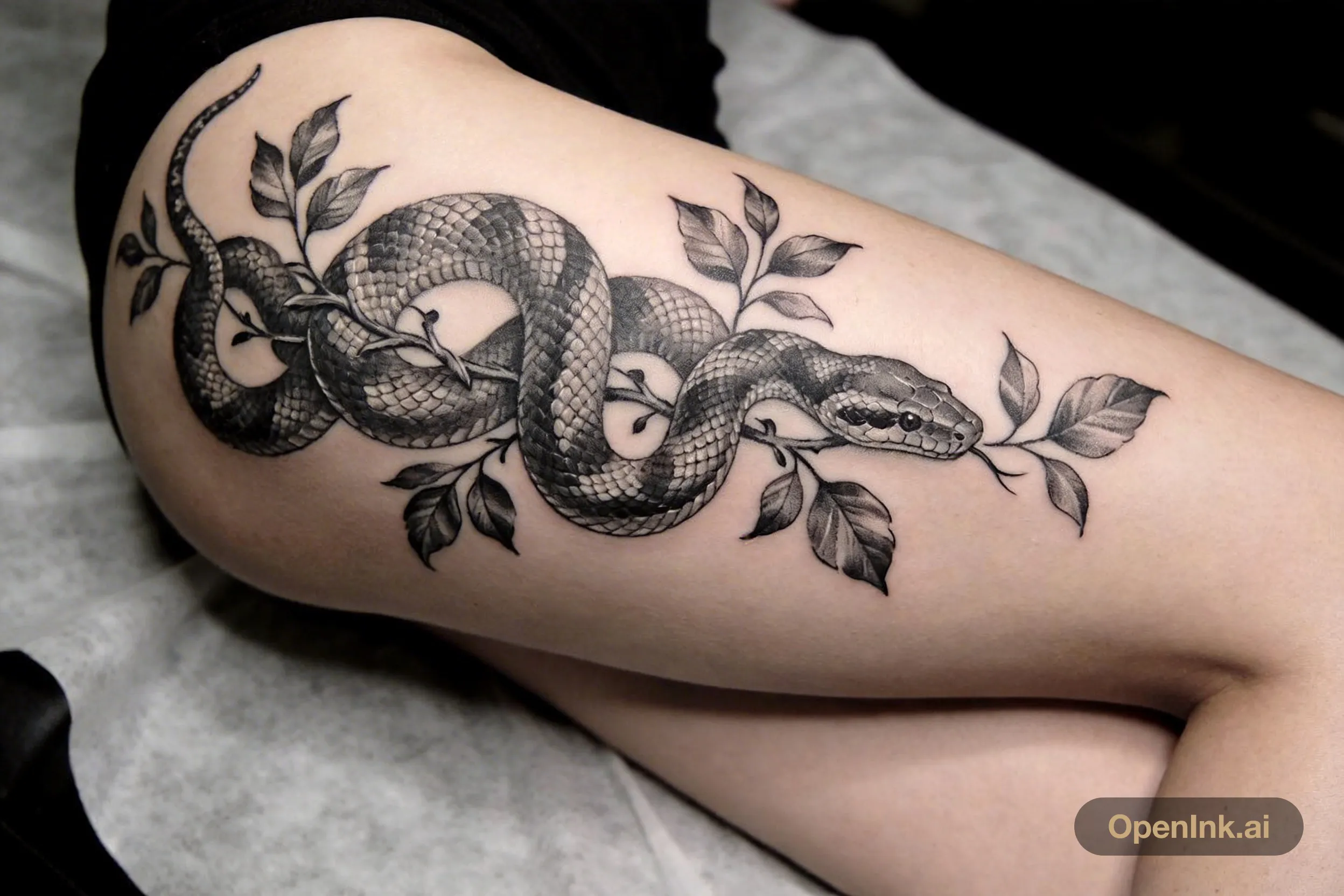
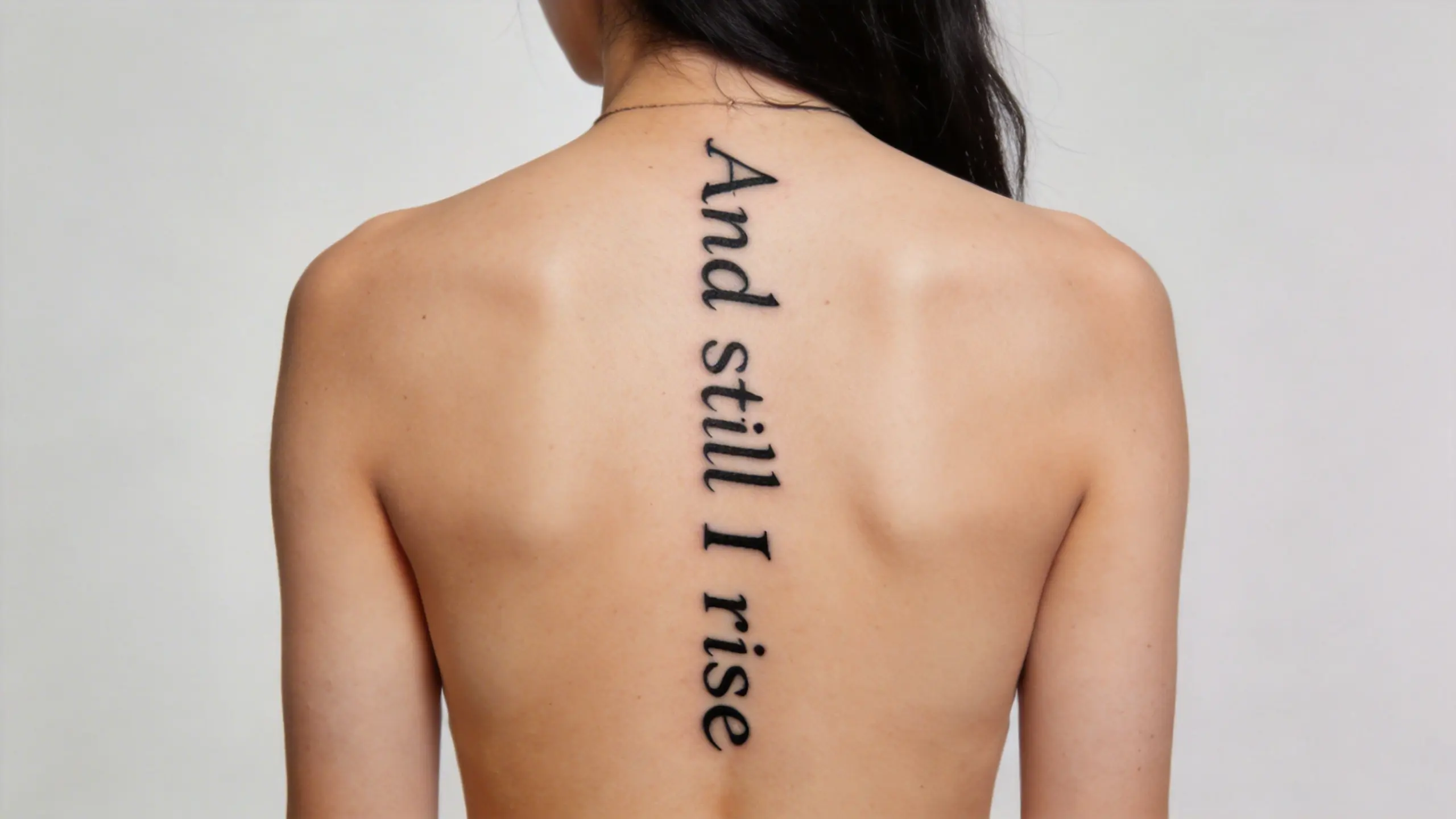
Clients arrive with every style in mind.
14 styles, one intake
The problem
The hard part of tattooing is rarely the tattooing.
Your inbox is three inboxes
Instagram, WhatsApp, email. References sit in one thread, the budget in another. Scrolling chat history becomes part of the job.
Twenty questions before every quote
What, where, how big, what budget. Every new client starts from zero, and half of them go quiet before you get an answer.
The calendar lives in your head
Bookings in a notebook, project status from memory. Nobody can say which client confirmed and which one is still waiting on a sketch. Double bookings surface in the busiest week.
Features
Intake, projects, schedule. One place for each.
OpenInk Studio handles the work around the tattoo, so the needle time stays yours.
AI intake
The client chats. The brief writes itself.
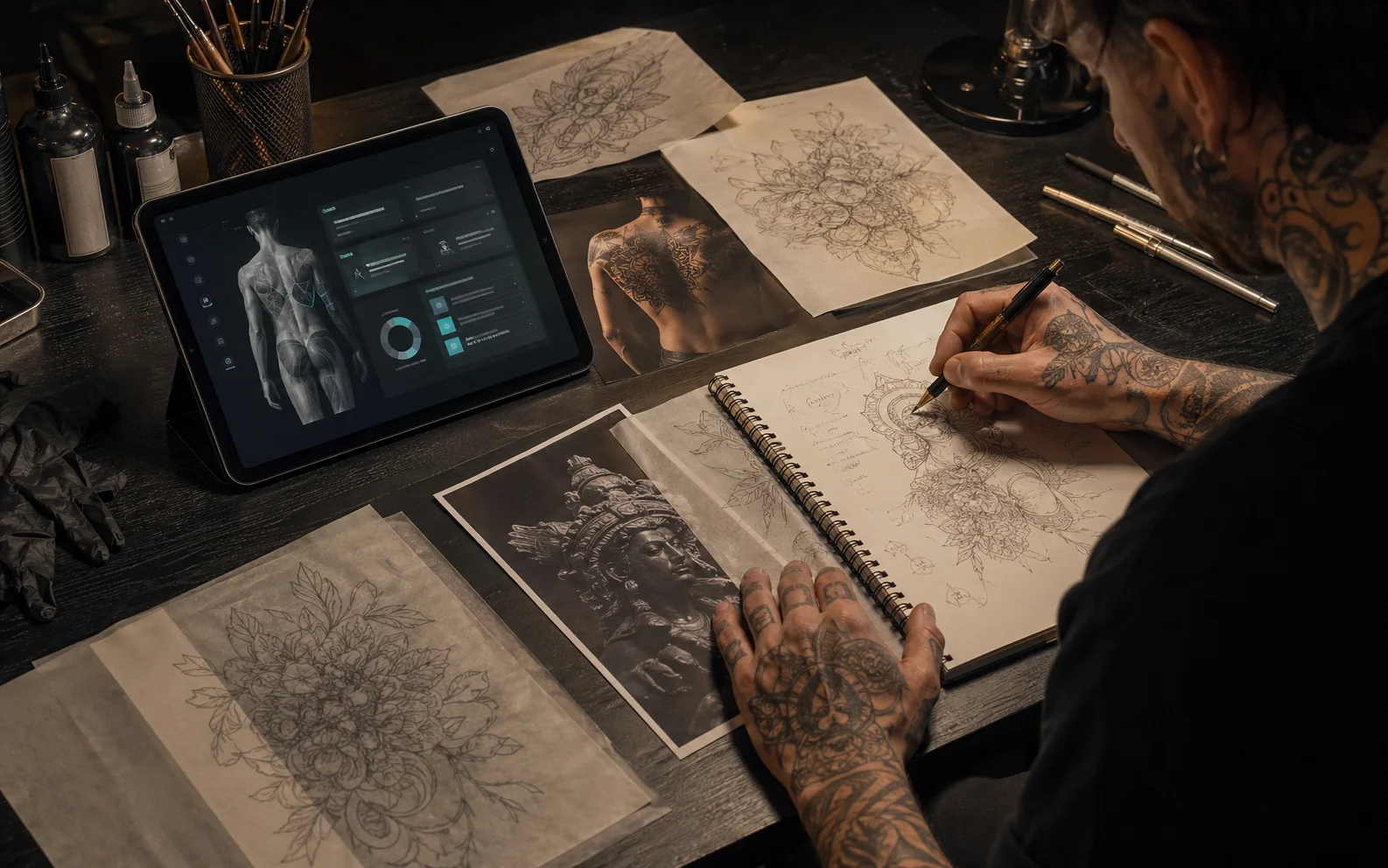
Put your consultation link in your bio or on the counter. Clients talk through idea, placement, size, budget, and references with an AI that keeps asking until it is clear. You open a brief, not a transcript.
- A public consultation page for any channel
- Idea, placement, size, budget, references — collected in one pass
- New leads land in your dashboard
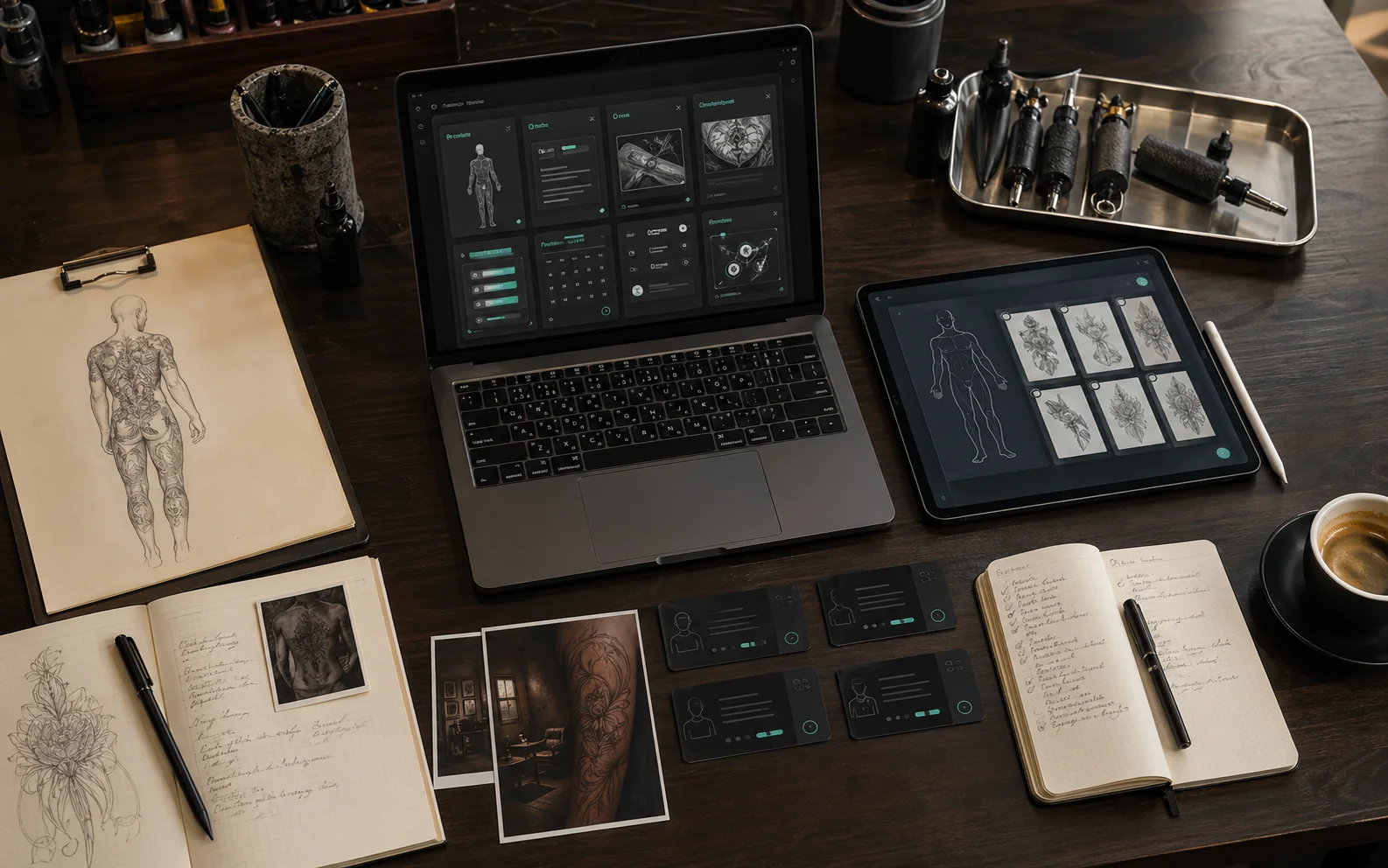
Fig. 01/ AI intake
Project workflow
From interested, to inked, to archived.
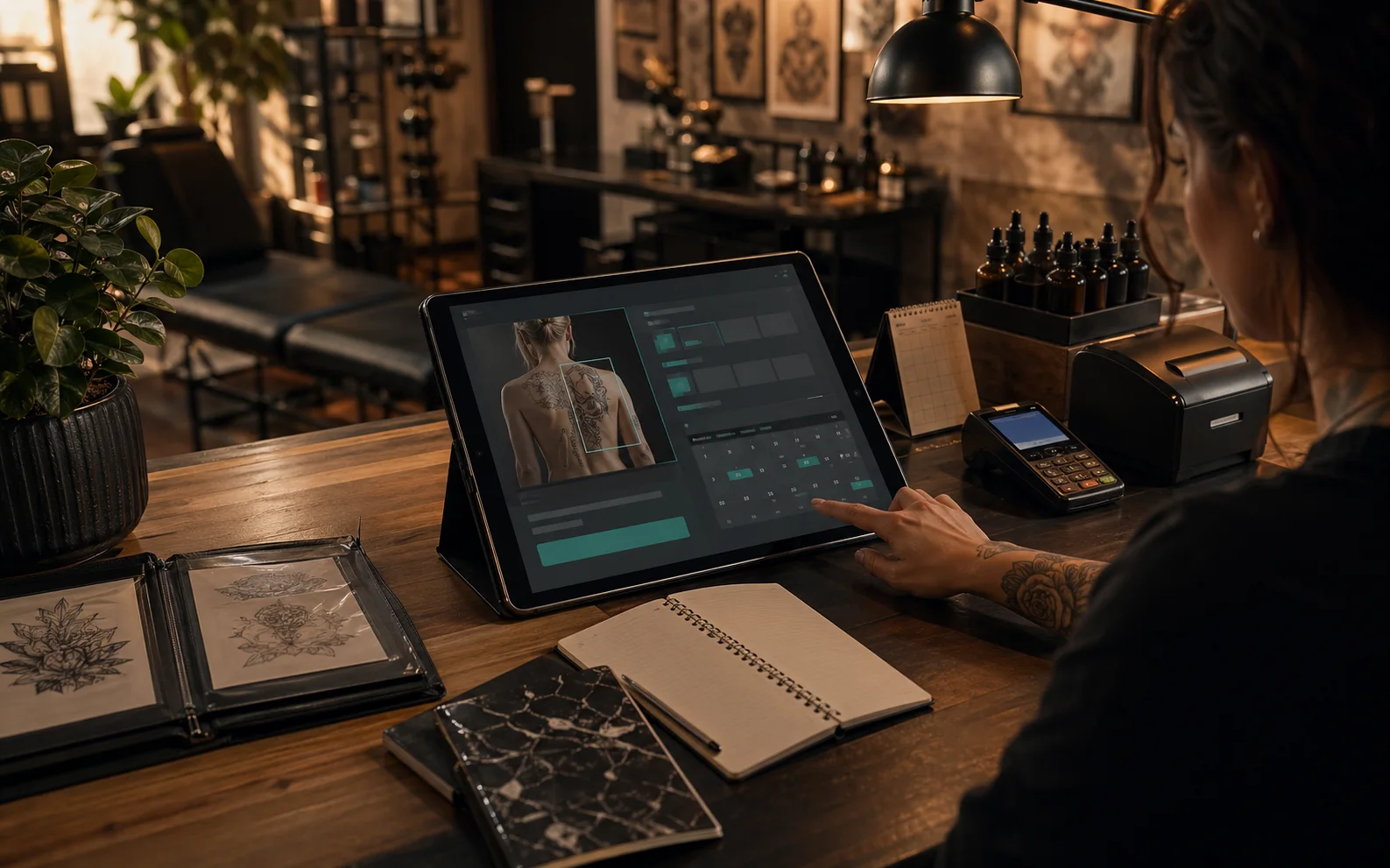
Read the brief, then turn the lead into a project in one step. Sketches, proposals, tasks, and status live under the client's name. Who is waiting on you and who needs a date — visible at a glance.
- Convert a lead into a project in one step
- Sketches and proposals attached to the project
- Tasks and status that follow the work
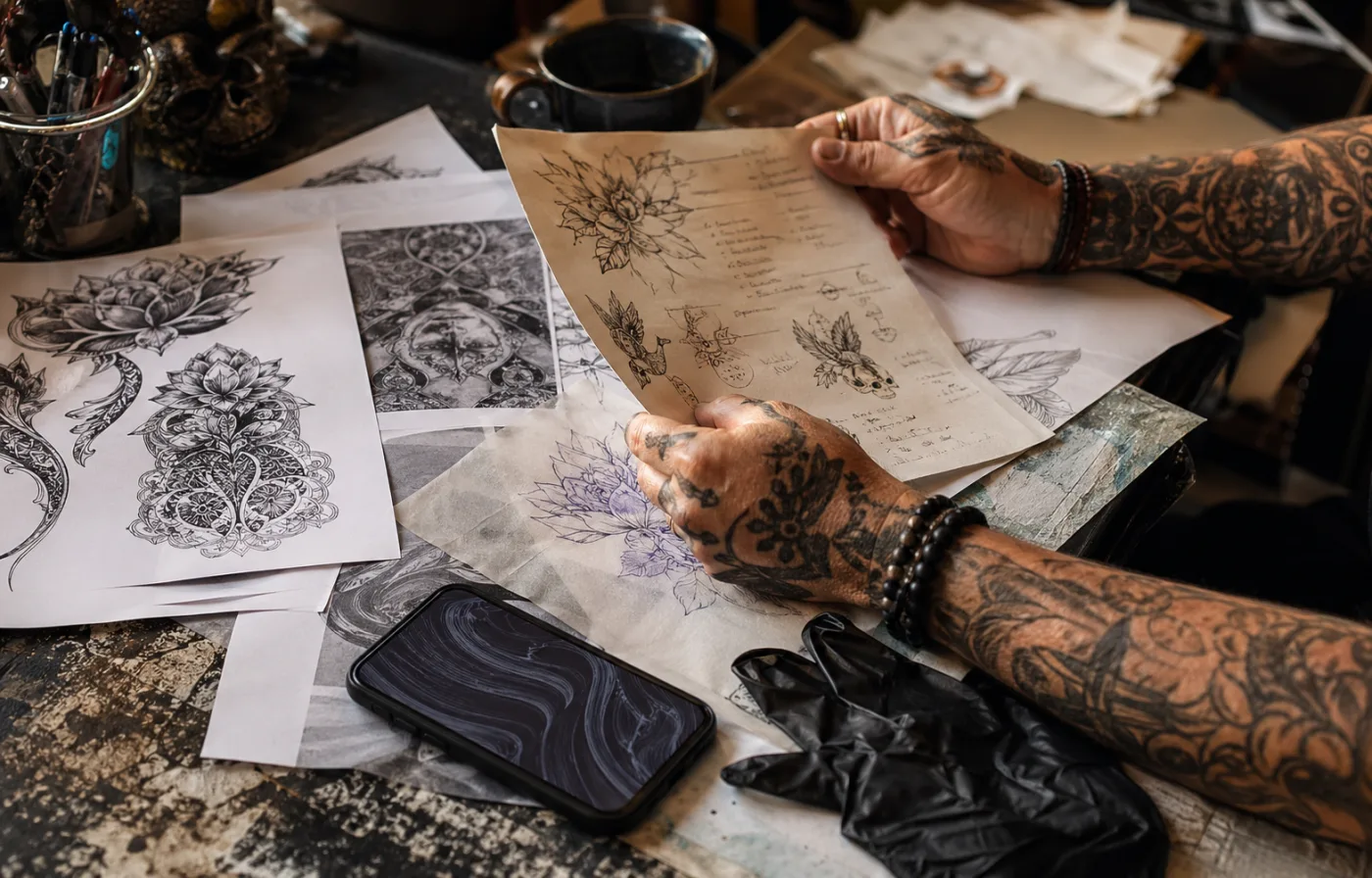
Fig. 02/ Project workflow
Schedule and page
Your portfolio is the booking entrance.
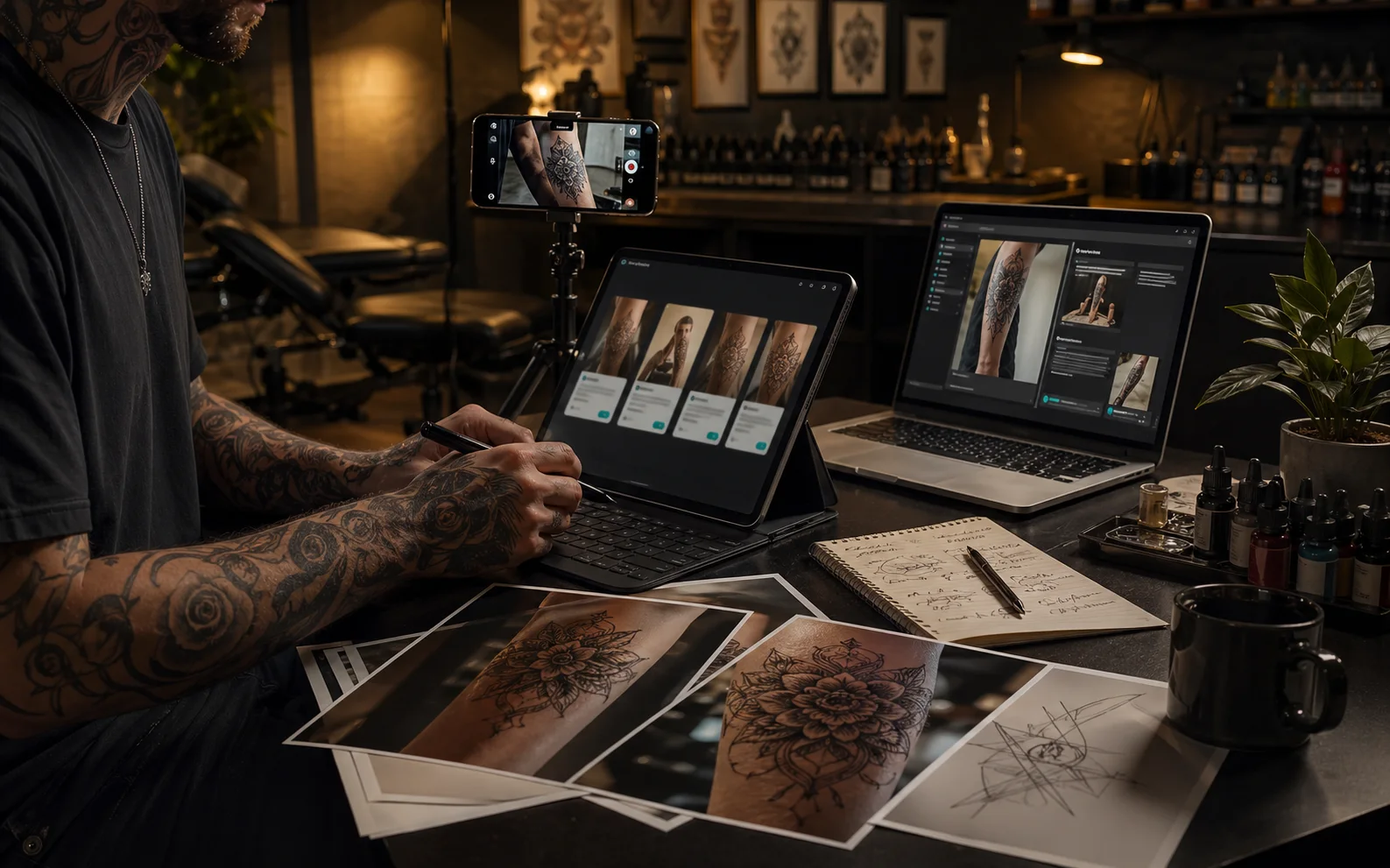
Every artist gets a page: work, styles, a booking button, and one @handle link for everywhere. The calendar runs by month or day and respects time zones, so overseas clients book the hour you meant.
- An artist page with portfolio and booking entry
- One @handle link to share anywhere
- Month and day views, timezone-aware
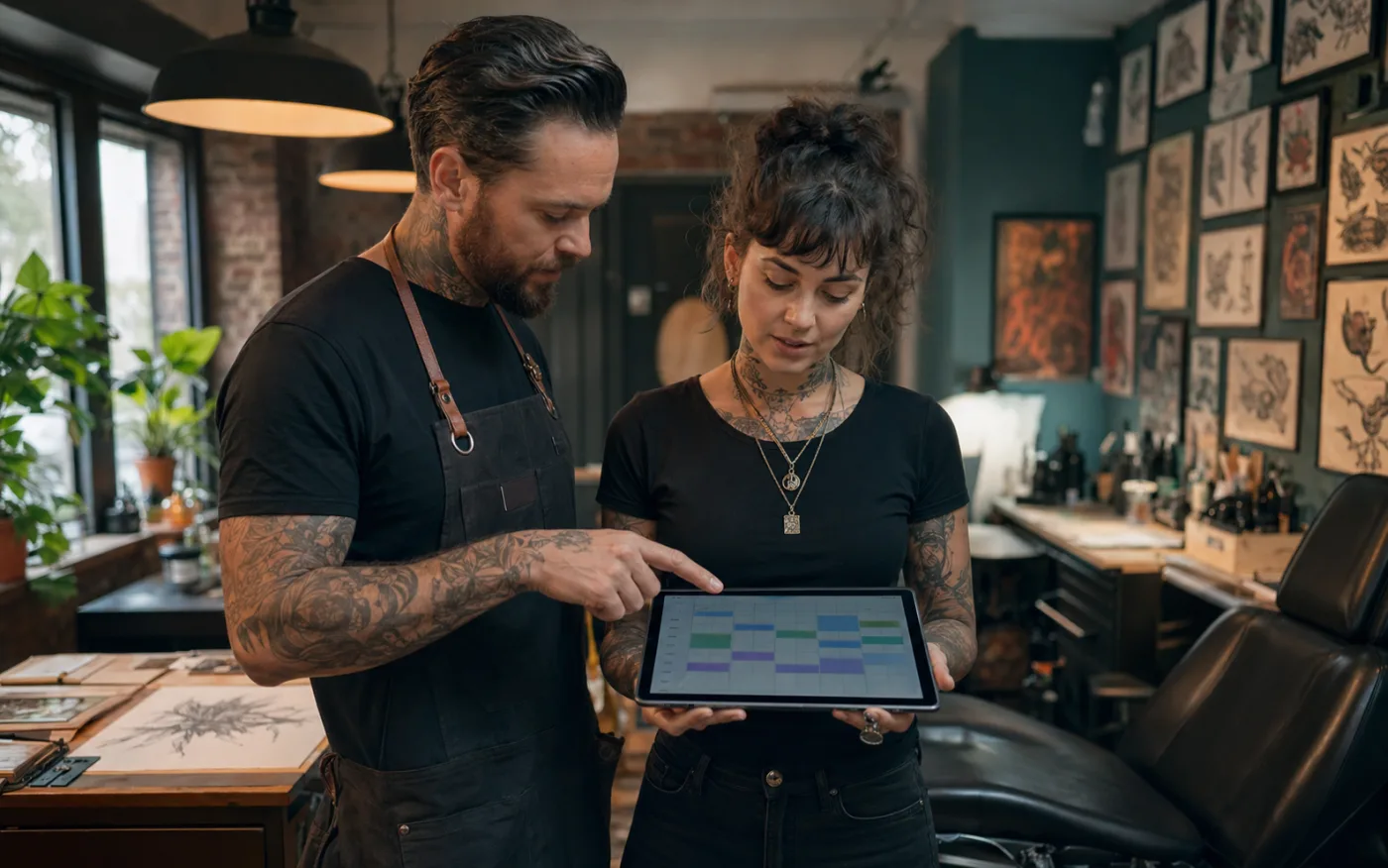
Fig. 03/ Schedule and page
How it works
Four steps from a link to a finished piece.
link → brief → session → archive
A client opens your link
From your bio, your site, or a card at the counter. The conversation starts while you are tattooing.
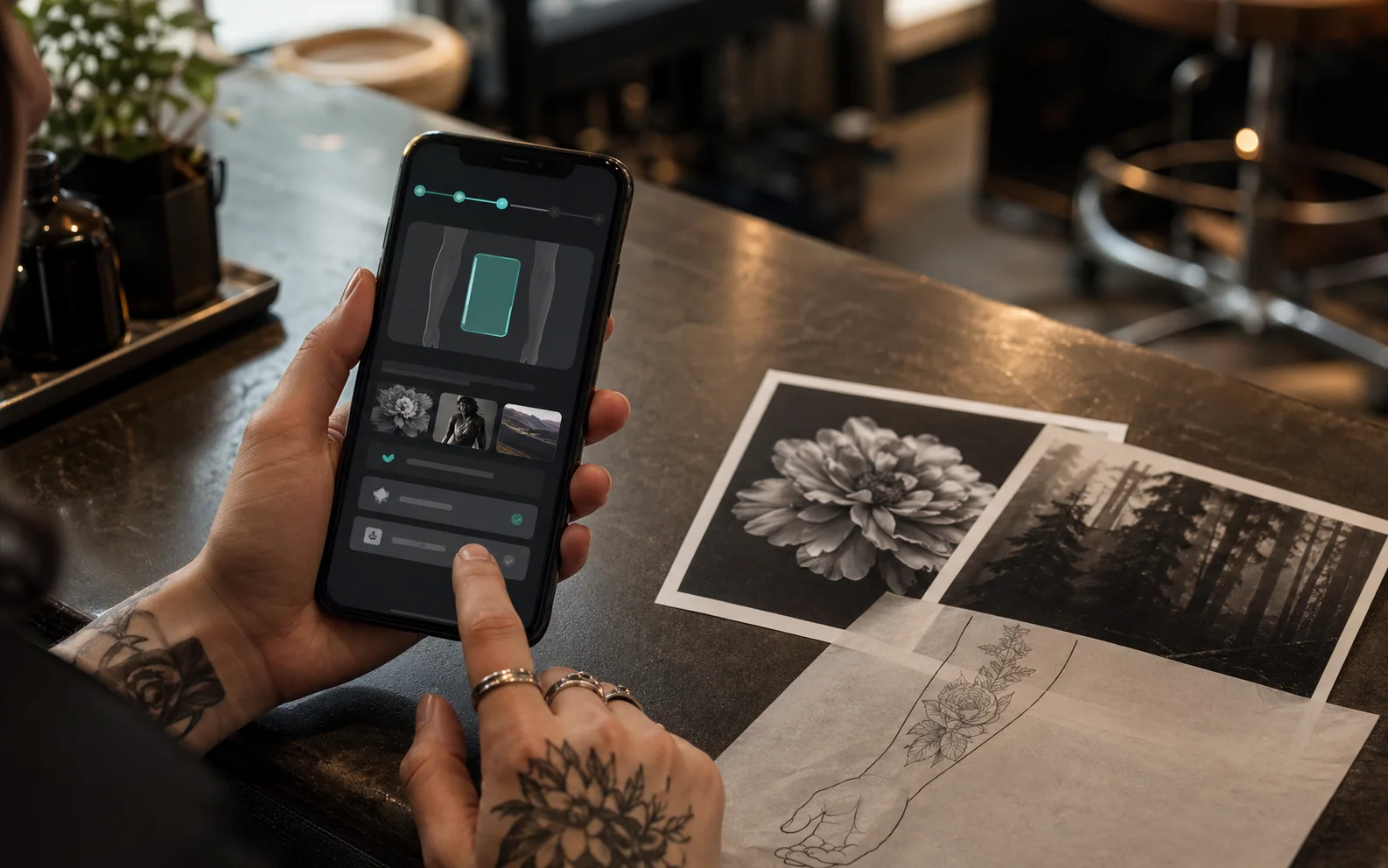
The AI turns talk into a brief
Placement, size, budget, timing, references — asked one by one, recorded as a structured brief.
You judge and move it forward
Read the brief, convert it to a project, sketch, propose, set the date. Every step stays on the same record.
Session done, archive kept
The finished project keeps its first brief and everything in between. Your studio builds its own records.
Styles
Whatever you ink, the brief keeps up.
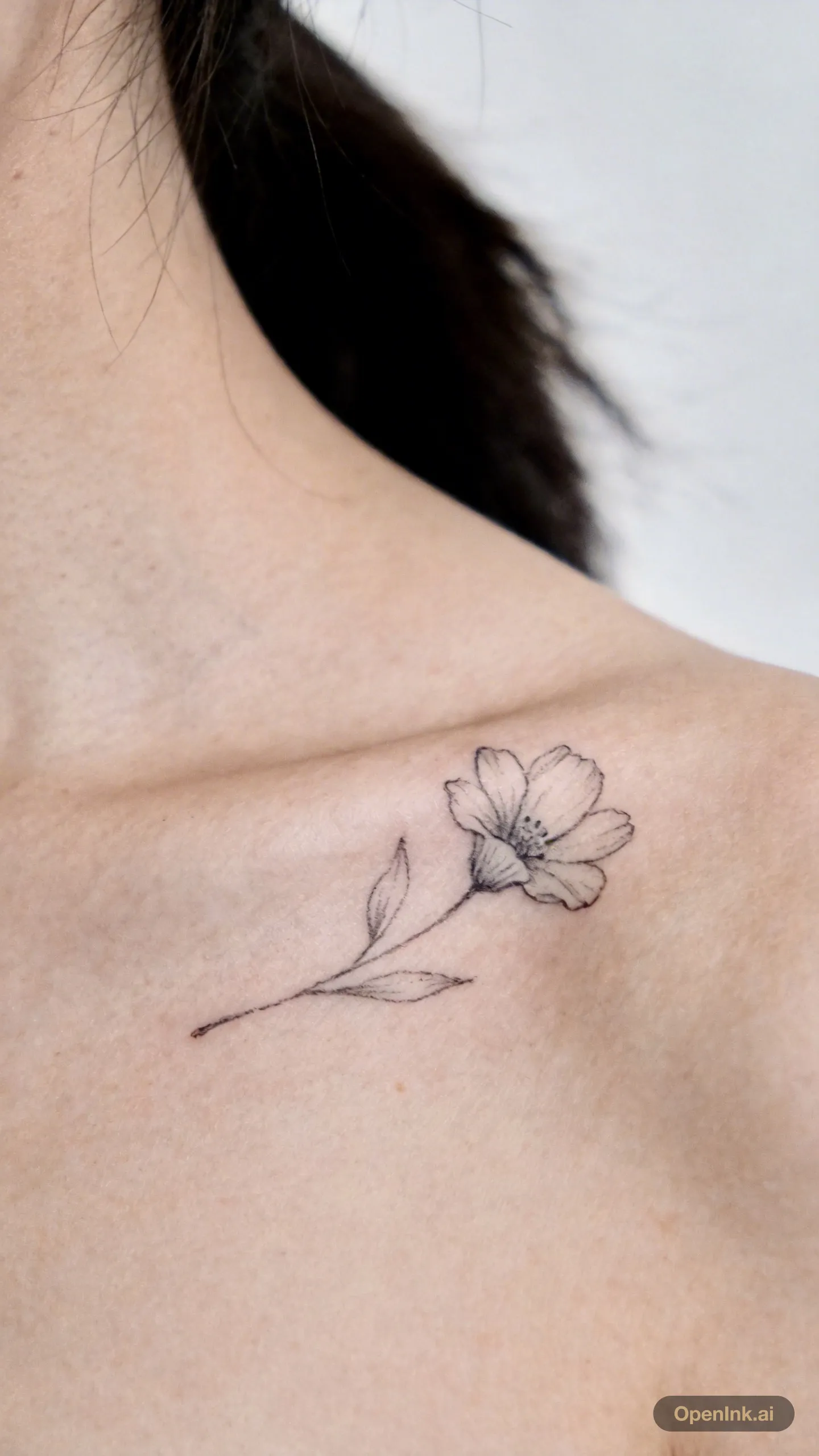
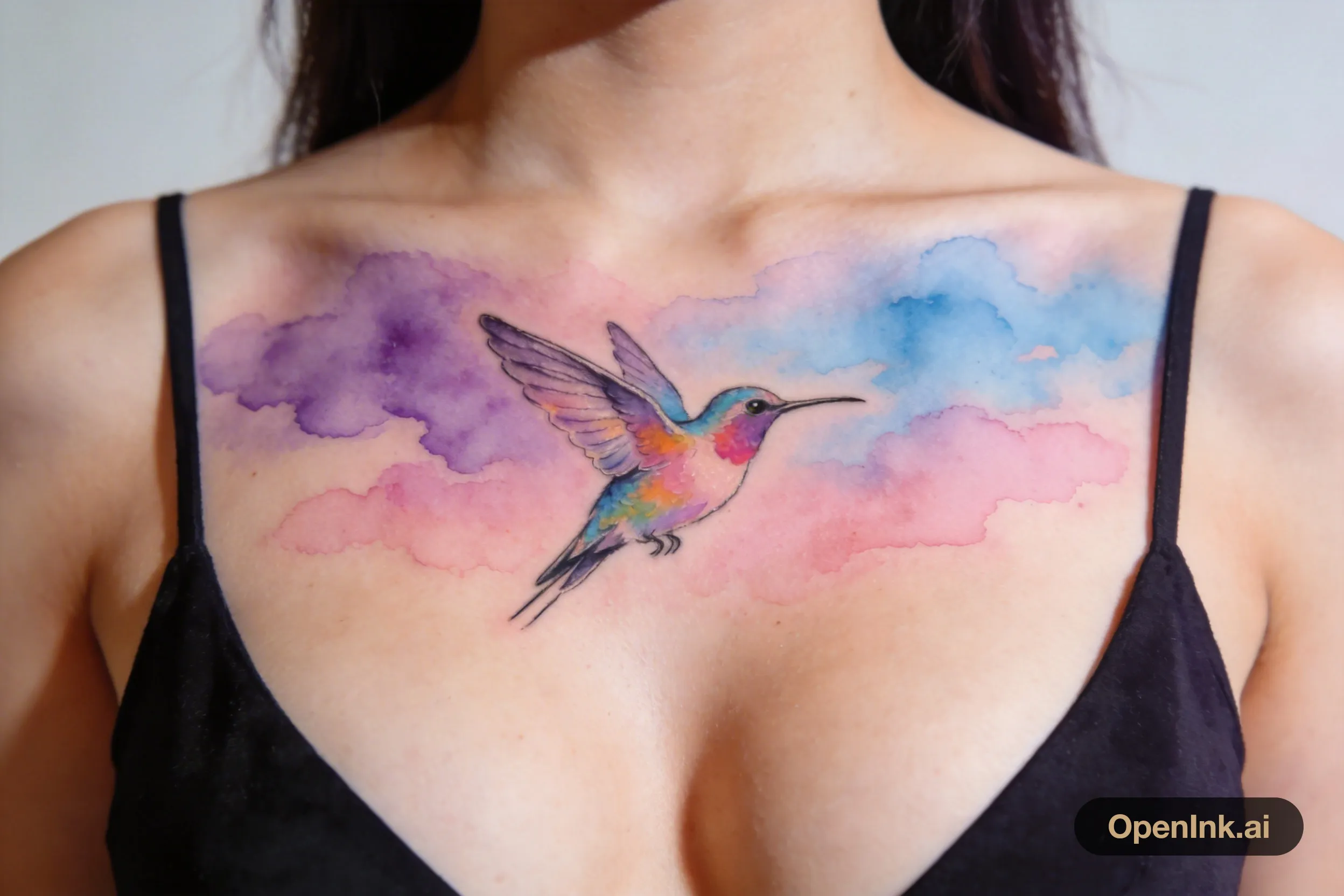
Clients describe ideas in any style. The intake records them faithfully and leaves the judgment to you.
The difference
The same studio, run two ways.
Without OpenInk
With OpenInk
Without OpenInk
Client ideas scattered across chat histories
With OpenInk
One structured brief per client
Without OpenInk
Placement, size, and budget asked message by message
With OpenInk
The AI has asked before you even look
Without OpenInk
Bookings in a notebook, conflicts found too late
With OpenInk
A month-view calendar that converts time zones
Without OpenInk
Portfolio on Instagram, booking over DMs
With OpenInk
An artist page with its own booking entry
Without OpenInk
Project status that lives only in your head
With OpenInk
Visible status from new inquiry to finished work
FAQ
Asked before you ask.
Anything else — the AI on our own page will take your question.
Who owns the client data?
You do. Conversations, briefs, and project records belong to your studio. OpenInk keeps them organized — nothing more.
Does the AI quote prices or pick designs?
No. It collects and structures what the client wants. Pricing, design direction, and whether to take the job stay with you.
What happens when clients ask the AI about styles?
It asks and records: style preferences, references, placement, budget. It does not give design opinions on your behalf — anything uncertain goes into the brief for you to settle.
Which languages are supported?
The interface ships in eleven languages, with light and dark themes. You and your clients do not have to read the same one.
How do deposits and payments work?
OpenInk does not touch the money. Keep taking deposits the way you do now, record the confirmation on the project, and the schedule moves on.
What does it take to get started?
Sign up, choose studio or independent artist, fill in your page, and share your consultation link. Intake starts the moment the link is out.
I already have Instagram and a website. Where does this fit?
Keep both. The consultation link goes in your bio or behind your booking button. Your followers stay where they are — inquiries finally have somewhere to land.

Start tonight
Give the next inquiry somewhere to land.
Set up your page and your link today. Tonight's DMs can arrive as tomorrow's briefs.